Guides, SOPs and training from one recording
Record a process once. Get the guide, the SOP and the training.
Do the task the way you always do. ProcessCapture AI turns your clicks into an illustrated step-by-step guide, then helps your team follow it in the real app, learn it, and keep it up to date.
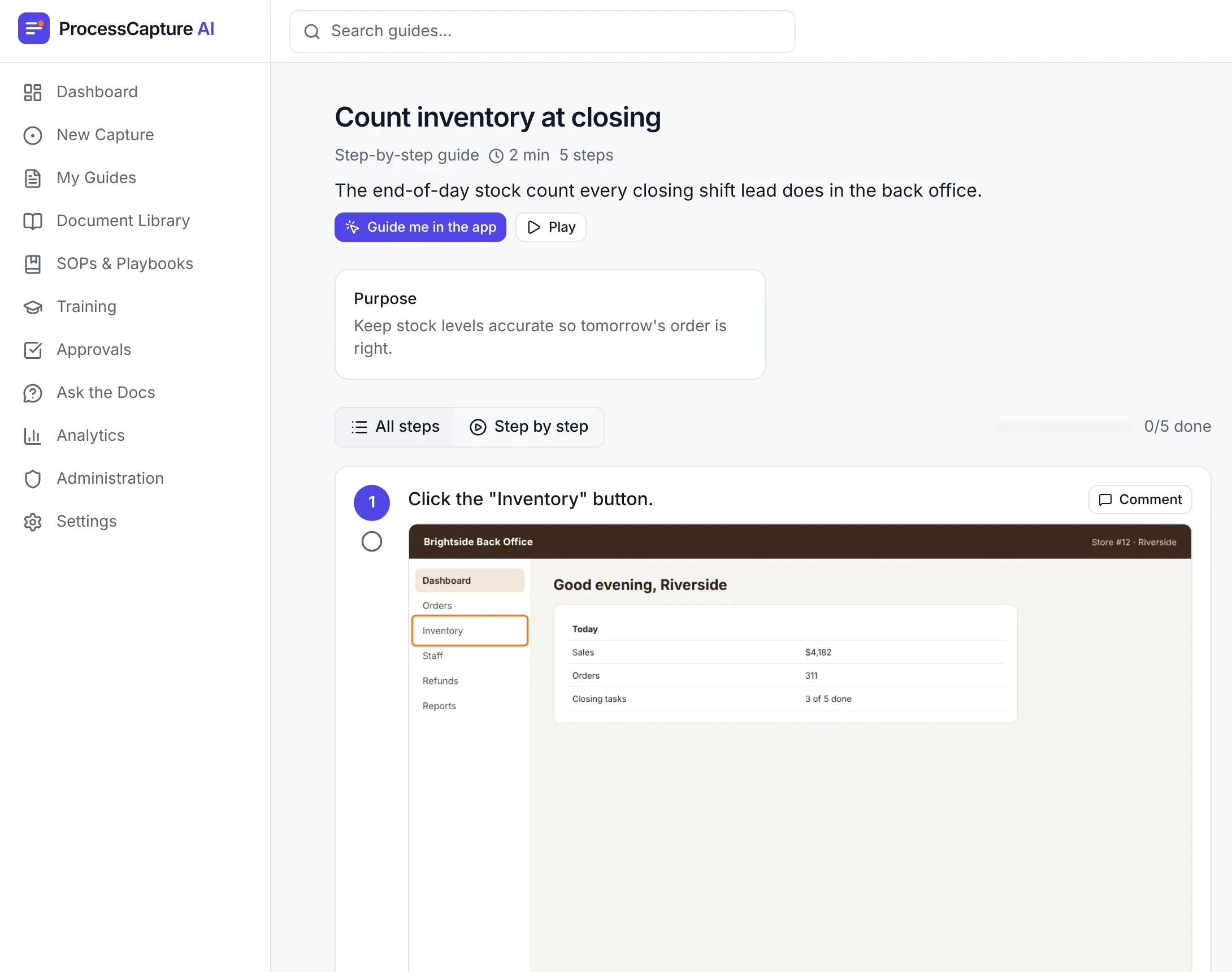
From clicks to a finished guide in minutes
- 1
Record
Start the recorder in your browser or desktop app and do the task. Passwords are never captured, and sensitive details are blurred before each screenshot.
- 2
Review
AI writes the steps. Tidy them up, annotate or redact screenshots, and send the guide for approval.
- 3
Share and train
Publish to your library, walk people through the live app, assign training, or export to the tools you already use.
Everything a process needs, in one place
Capture in any app
A browser extension and a Windows, Mac and Linux recorder turn every click into a step with an annotated screenshot.
AI writes it up
Clear instructions, a title, purpose and prerequisites. Anything the AI infers is a suggestion you confirm, never a made-up step.
Guide me, in the real app
Walk people through the live website step by step, highlighting what to click, across pages.
Training that sticks
Learning paths, quizzes, hands-on practice on real screenshots, certifications with renewal dates and certificates.
SOPs and playbooks
Combine written sections with guides pinned to an approved version, with review and approval built in.
Every language, every format
Translate into 20 languages and export to PDF, Word, PowerPoint, Google Docs, video or SCORM for your LMS.
Know what's working
See where readers stop, which steps the app no longer matches, and what people search for but can't find.
Fits your stack
Single sign-on, Confluence, SharePoint and Notion sync, webhooks, an API and a connector for AI assistants.
Help people in the moment
Readers can go step by step, play the guide aloud, or let Guide me walk them through the live website, highlighting each button and field.
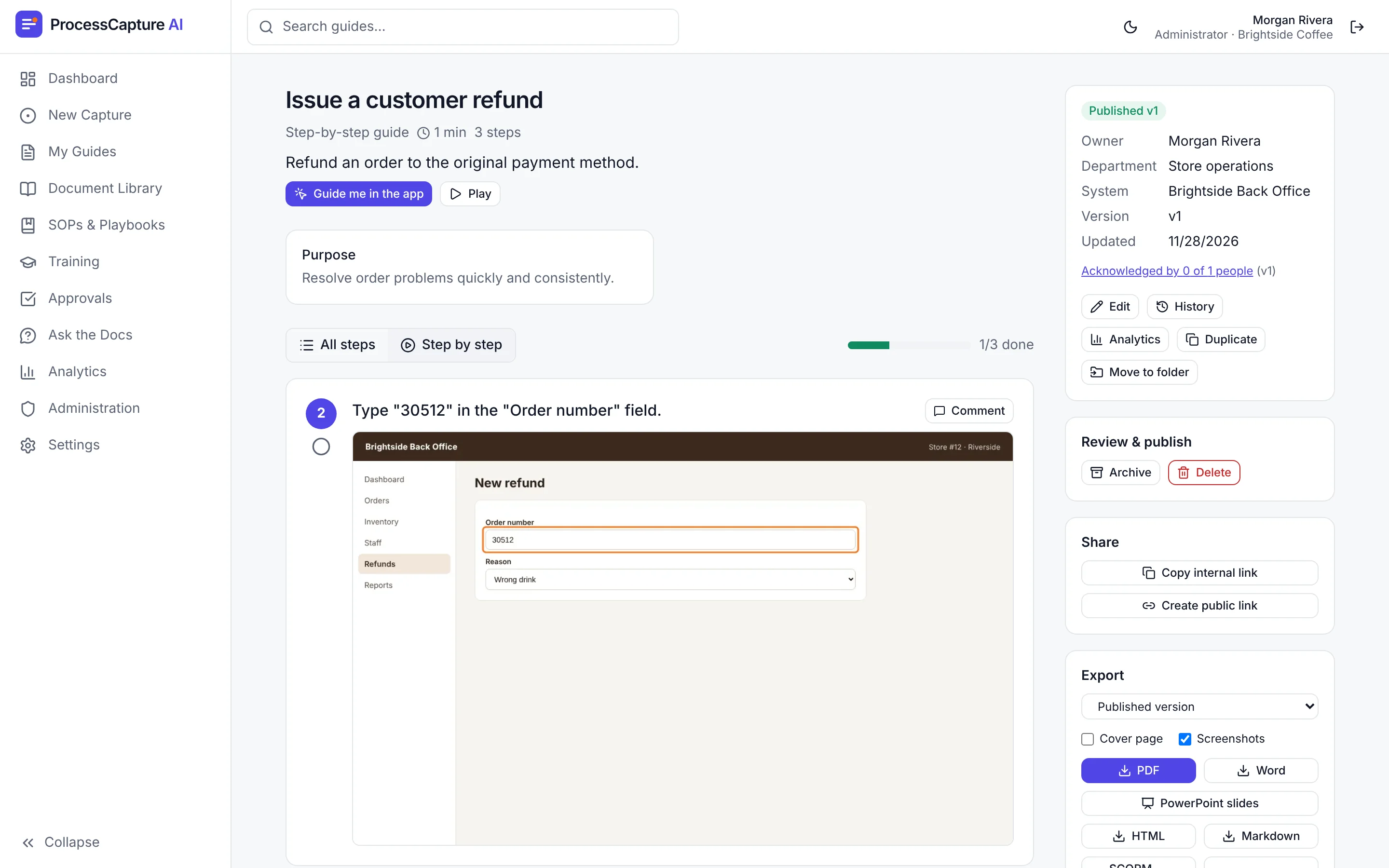
See where people get stuck
A funnel for every guide shows how far readers get and how long each step takes. If Guide me can't find a step on the live site, you'll know the app has changed.
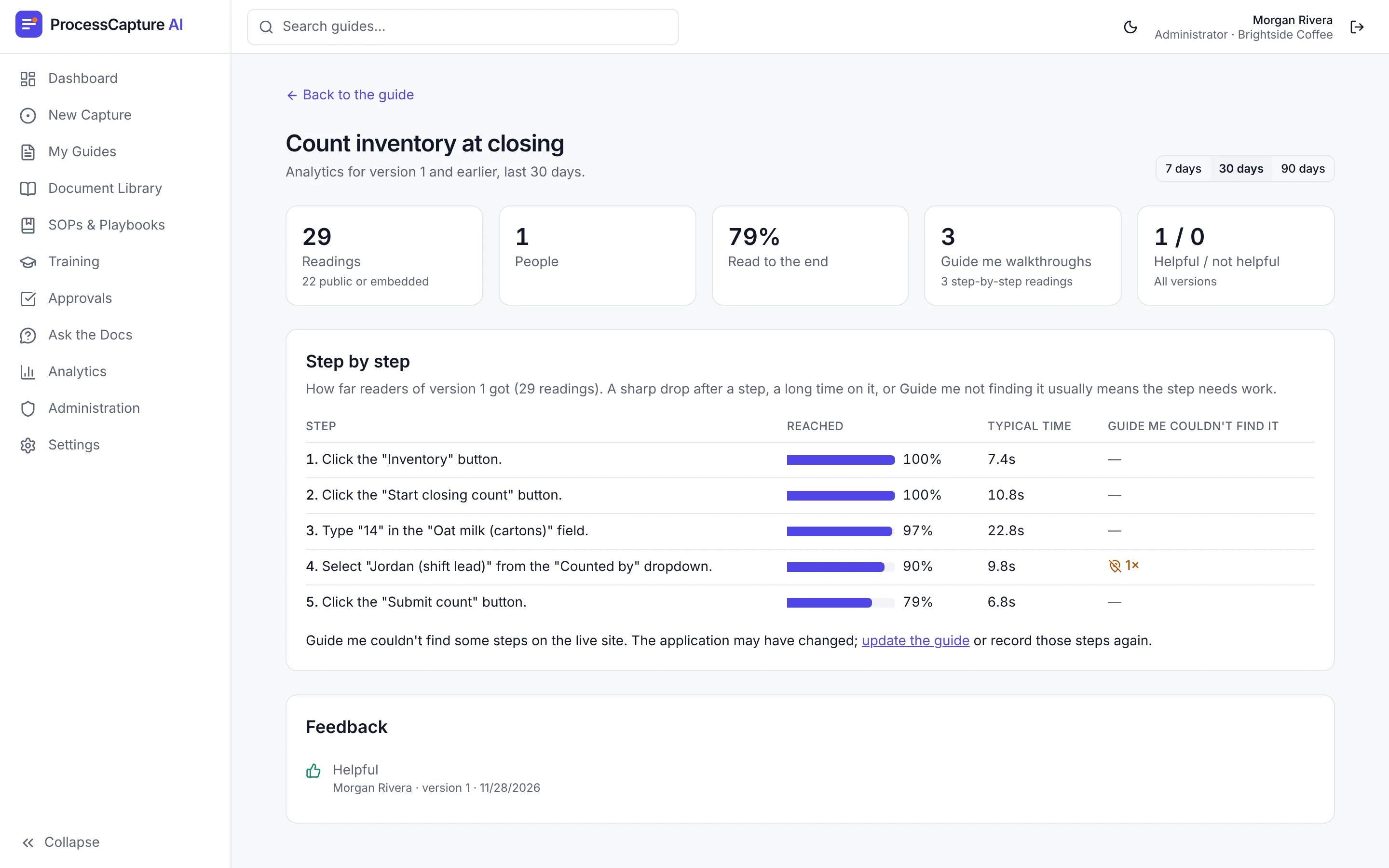
Keep every process organized
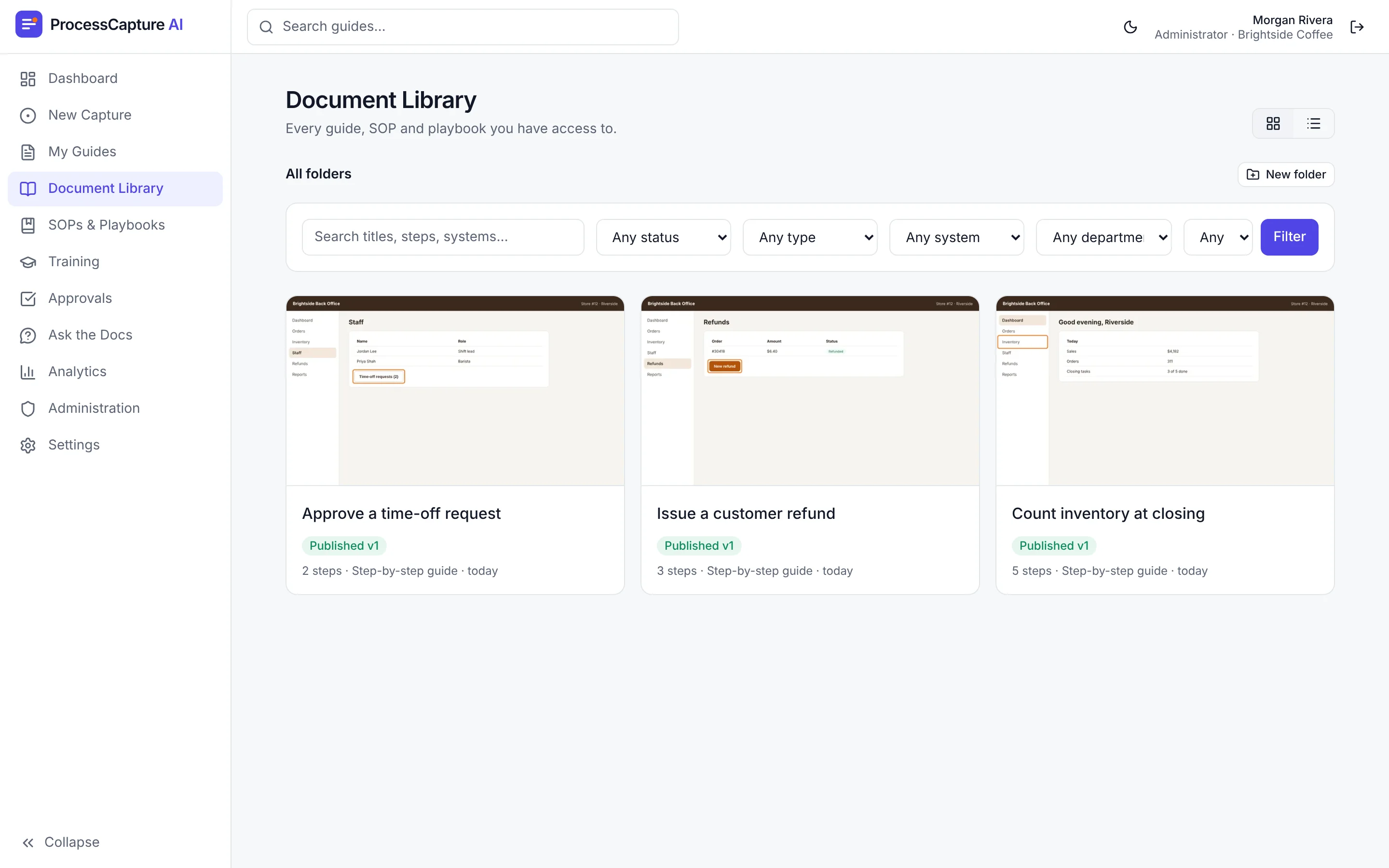
Folders, teams and permissions, search across every step, version history, review dates and read-and-acknowledge, so the right people always have the current version.
Built to keep sensitive information out
Recording other people's screens is a responsibility. Privacy controls are part of the recorder, not an afterthought.
- Password fields are never recorded; emails, phone and card numbers can be blurred before a screenshot is taken
- Blocked websites and applications that are never recorded, enforced on the device and on the server
- Permanent redaction that destroys the original screenshot
- Each organization's data separated by the database itself, with folder and team permissions
- Single sign-on, an audit log, and a full export or deletion of your data whenever you want it
- Your guides are yours: read our privacy policy.
Write your first guide today
Install the recorder, do the task once, and share a polished guide with your team in minutes.